SASSA Status Check via USSD: Does *134*7737# Still Work?
Independent guide. Not SASSA, not a government site. We never ask for your ID number or phone number.
In short
No, not reliably. In 2026, both SASSA USSD codes, *134*7737# and *120*69277#, are widely reported as not working. Many users on MTN, Vodacom and Cell C see the message “Service code is not supported” when they dial them. Use WhatsApp on 082 046 8553, or the SASSA website at srd.sassa.gov.za/sc19/status, until SASSA turns USSD on again. This page explains what USSD is, why it is not working, and what to use instead.
What is USSD?
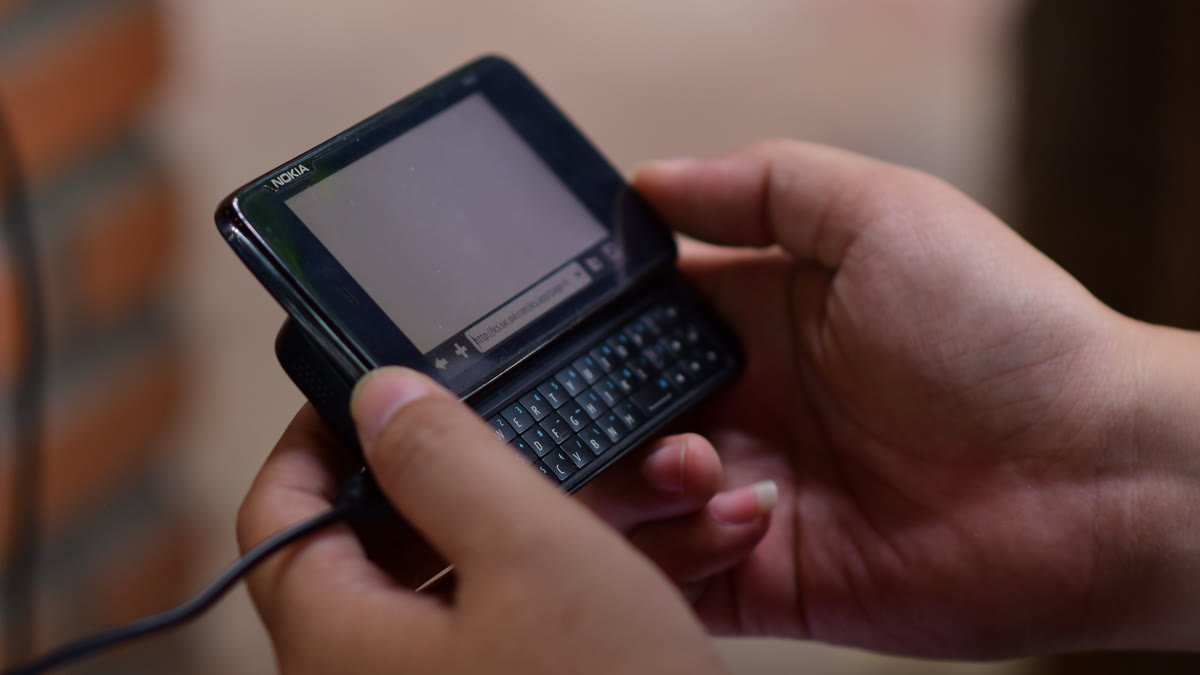
USSD is the menu you get when you dial a code like *134*7737# on your phone, without data and without an app. It works on any phone, even a basic phone with no internet. You dial the code, a menu appears, and you reply with numbers to pick options. For SRD, USSD was one of the ways to apply and to check your status.
That is the reason people still search for it. If you have no data and no smartphone, USSD sounds like the only option. In 2026, it is not a working option for most people, and this page says so plainly, rather than sending you to a code that will fail.
The two codes, and what happens when you dial them
There are two codes that appear in SASSA guides and in old articles:
- *134*7737#
- *120*69277#
Both are widely reported as not working in 2026. The most common result is the message “Service code is not supported”. That message means your network cannot connect to the service behind the code. It does not mean you typed the code wrong, and it does not mean your application is wrong.
Some users report that the code works once and then fails the next time, or that it works on one network and not on another. Those reports are mixed. The consistent pattern in 2026 is that the codes do not work for most people, most of the time.
Do not keep dialling the code again and again.
Why is USSD not working?
We do not know the exact reason, and SASSA has not published a notice we could cite that explains it. That is worth saying plainly. The facts we can verify are the user reports, and the fact that the codes were working in earlier years and are now widely reported as failing.
USSD services depend on three things working together: your network, SASSA’s system, and the link between them. If any one of those changes, the code can stop working. Without an official statement from SASSA, we will not guess which one changed, or when it will be fixed.
If SASSA turns USSD on again, we will update this page at once, and we will say so at the top. Until then, treat USSD as not working, and use one of the ways below.
What to use instead
WhatsApp, 082 046 8553
WhatsApp is the closest replacement for USSD. It uses very little data, and it works on most smartphones. Save 082 046 8553, send Hi, follow the menu to the SRD status option, then type your cellphone number, the code sent to you by SMS, and your ID number. The full guide is at /sassa-status-check-whatsapp/. If you have no data at all, use the helpline or an office, below.
The SASSA website
Go to srd.sassa.gov.za/sc19/status. Type your ID number and the cellphone number you applied with, then tap submit. This shows the fullest result, including the full decline reason and your pay date. The full guide is at /sassa-srd-status-check-online/.
The SASSA helpline, 0800 60 10 11
Call free, from a landline or a cellphone. You need no data, no smartphone, and no airtime. Have your ID number ready. A person can tell you your status and explain a decline reason in plain words.
A SASSA office
An office needs no data and no phone at all. Take your ID and a copy, proof of where you live that is not more than three months old, and your old and new phone numbers if your number has changed. An office can also fix a dead cellphone number, a lost ID, or a failed face or finger check, which no other method can do.
If you have no data and no smartphone
This is the hardest case, and it is the case USSD was meant for. If you have no data, no smartphone, and no money for airtime, your working options are the helpline and the office, because both are free and need no data. Call 0800 60 10 11 first. If the helpline cannot help, or if you need to fix a phone number or an ID problem, go to an office. Do not pay someone at a shop or an internet cafe to check for you. All SASSA services are free, and giving your ID number to a stranger is a risk.
Old articles that still list USSD as working
Many old articles, from 2020 to 2023, still list *134*7737# as a working way to check your SRD status. Those articles are out of date. They were correct when they were written, and they are wrong now. When you read any SASSA guide, check the date at the top, and check the facts against the official SASSA site before you follow it. This page was updated on 23 November 2026, and we check it monthly.
Frequently asked questions
What is the SASSA USSD code?
The two codes most often listed are *134*7737# and *120*69277#. Both are widely reported as not working in 2026.
Why does my phone say “Service code is not supported”?
That message means your network cannot connect to the service behind the code. It does not mean you typed the code wrong, and it does not mean your application is wrong. It means USSD is not working for that code, on that network, at that time.
Will USSD work again?
We do not know. SASSA has not published a date for USSD to return. If it does, we will update this page.
Can I check my SRD status without data?
Yes, by calling the helpline free on 0800 60 10 11, or by going to a SASSA office. Both need no data and no smartphone.
Is there a new USSD code for SASSA in 2026?
No new code has been published by SASSA that we could verify. If you see a new code in a message or a comment, do not trust it unless SASSA publishes it on srd.sassa.gov.za or sassa.gov.za.
Sources
- Official SRD portal, srd.sassa.gov.za, including the status check page at srd.sassa.gov.za/sc19/status
- Official SASSA site, sassa.gov.za
- SASSA helpline, 0800 60 10 11, toll free
Last updated 23 November 2026. Checked monthly. Report errors on the Contact page.